Payment technology is advancing quickly, and upgrades to point-of-sale (POS) systems are expected to be important in 2026. It’s time to update your setup if it feels pricey, slow, or limiting. Everything from processing costs and security compliance to checkout speed and customer satisfaction is affected by the right point-of-sale system.
The most important factors for 2026 are broken down in this guide, along with how popular systems like Clover, Square, Kwick, Quantic, Hyfin, Dejavoo, and Pax compare for different types of businesses.
Why POS Upgrades Are Important for Businesses in 2026
It can be costly and inconvenient to wait until a system malfunctions. In addition to enabling complete operational changes, today’s POS systems provide much more than just basic payment acceptance.
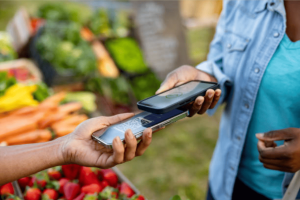
- Tap-to-pay, mobile wallet, and contactless payment support
- Better pricing tools and reduced processing costs
- Business insights and real-time reporting
- Built-in security standards that minimize risk
- Dual pricing and cash discount compatibility
With the increasing use of digital payments, it is important to pay close attention to modern checkout expectations and changing security measures.
What Features a Modern POS System Must Have in 2026
Fundamental features that every point-of-sale system should have before selecting a brand:
1. Quick and Secure Payment Acceptance
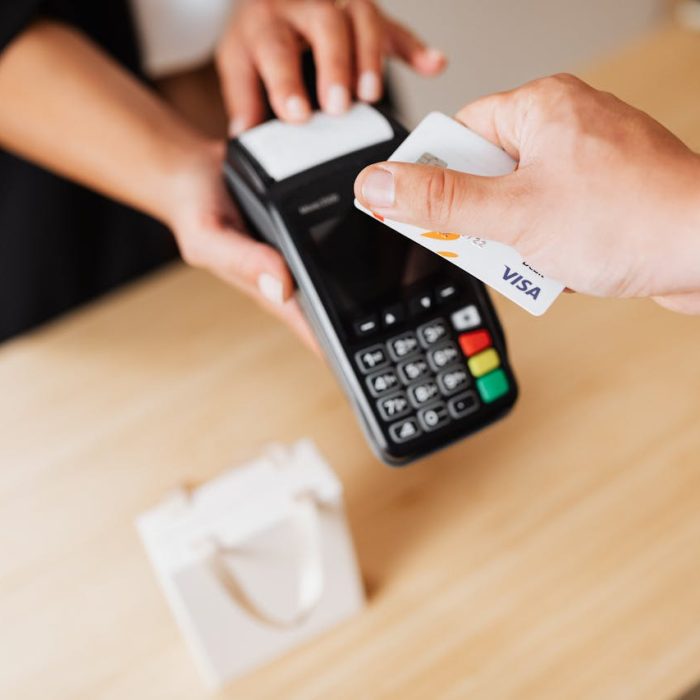
- Support for EMV chips and NFC (tap-to-pay)
- Tokenization and PCI-compliant encryption
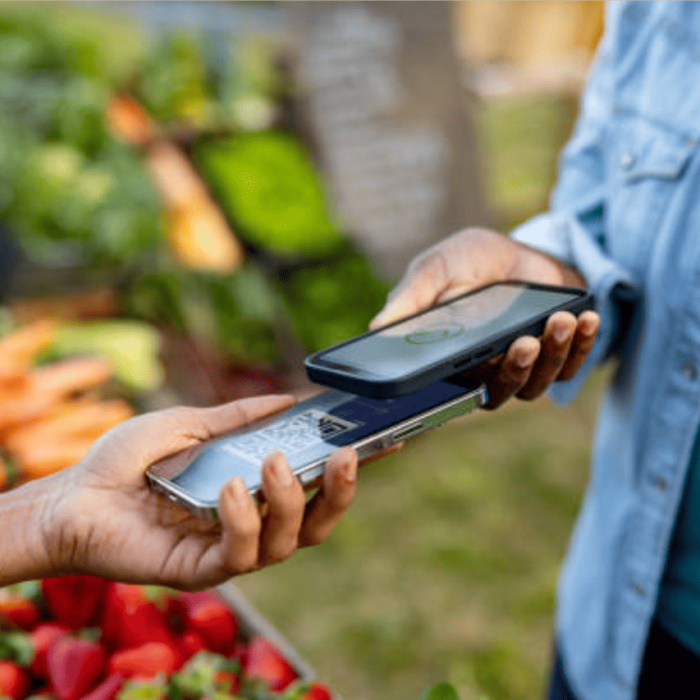
- Mobile wallets such as Apple Pay® and Google Pay®
These features protect your business and increase customer trust, both of which are critical in today’s competitive landscape.
2. Real-Time Analytics & Reporting
You benefit from detailed transaction visibility when you:
- Monitor trends
- Identify irregularities
- Make more informed choices about personnel and inventory.
Previously exclusive to enterprise tools, these insights are now required even in small retail systems.
3. Cloud Connectivity & Integrated Software
Cloud-based point-of-sale software improves reliability and minimizes manual maintenance by automatically updating systems.
4. Support for Value-Add Programs
Modern POS systems should integrate with pricing strategies like:
These tools help you cut processing fees and stay competitive.
Which POS System Is Right for Your Business?
Different businesses have different needs. Below is a 2026 comparison of supported POS vendors and where they shine.
Clover POS: Best All-in-One for Growing Businesses
Best for: Restaurants, retail, salons, service businesses
Clover remains one of the most versatile POS systems because of its rich features and expandable ecosystem. Merchants choose Clover for:
- Built-in inventory and employee management
- Customizable apps and reporting
- Hardware choices like Clover Station, Mini, Flex, and Go
If you want a system that grows with you, Clover is a top contender.
Square POS: Best for Simple, Early-Stage Setup
Best for: Startups, mobile businesses, low-volume merchants
Square is popular for its straightforward setup and low barrier to entry. It works quickly out of the box, making it ideal for businesses that:
- Need minimal hardware
- Want basic payment acceptance
- Sell in-person and online
However, as transaction volume grows or processing complexity increases, many merchants shift to more advanced systems through NationalLink.
Dejavoo POS & Terminals: Best for Cash Discount & Dual Pricing
Best for: Convenience stores, gas stations, cash-heavy retailers
Dejavoo terminals are excellent for businesses that want to reduce processing fees. This system:
- Supports dual pricing and cash discount programs
- Offers standalone or integrated setups
- Handles high traffic with robust reliability
If cutting processing costs is a priority, Dejavoo is hard to beat in 2026.
Pax Terminals: Android-Powered, Flexible POS
Best for: Retail, QSRs, multi-location merchants
Pax terminals feature an Android OS that feels familiar, modern, and fast. Benefits include:
- Touchscreen interfaces
- App compatibility
- Smooth performance in busy environments
Pax is a strong choice if you want modern hardware without a full backend overhaul.
Kwick, Quantic & Hyfin: Tailored POS for Unique Needs
These platforms are ideal for merchants with specialized workflows or industry-specific demands:
- Niche retail environments
- Customized software + hardware combos
- Unique reporting or pricing needs
NationalLink can help you choose which solution fits your use case without paying for unused features.
Should You Choose a Full POS System or Standalone Terminals?
This is one of the biggest decisions in 2026: Full POS System vs Standalone Terminals.
Complete point-of-sale systems, like Clover:
- Strong functionality (staff tracking, inventory)
- In-depth reporting
- Perfect for expanding or multi-location companies
Standalone Terminals (e.g., Dejavoo, Pax):
- Quick installation
- Lower monthly costs
- Great for simple checkout needs
Selecting the wrong kind could result in you paying for features you never use or in your company losing out on features it truly needs.
How Upgrading Your POS Can Reduce Processing Costs
Modern POS systems can help you:
- Implement dual pricing or cash discount programs
- Eliminate outdated fee structures
- Improve transaction accuracy
- Lower chargebacks and disputes
With a quicker checkout and fewer hidden fees, these features frequently make the hardware upgrade pay for itself over time.
Security Standards Your POS Should Meet in 2026
Nowadays, security is a necessity rather than a luxury. Your POS system should support:
- Transactions using EMV chips
- Encryption from beginning to end
- Tokenization for payments made without a physical card
- Compliance with PCI DSS
To protect both customers and merchants, all POS providers that are supported by NationalLink follow the most recent security guidelines.
How to Upgrade Your POS Without Disrupting Your Business
Upgrading doesn’t have to be complicated. NationalLink helps merchants:
- Review the current setup.
- Give the best POS recommendation based on industry and volume.
- Take care of onboarding and installation.
- Train employees
- Assure compliance from the start.
The goal is minimal downtime and maximum long-term benefit.
Final Checklist: What to Look for When Upgrading in 2026
Before you make a final decision, ensure your POS:
- Supports EMV, NFC, and mobile wallets
- Matches your business size and workflow
- Offers flexible pricing and processing
- Is scalable for future growth
- Comes with real support, not just software
Ready to Upgrade Your POS for 2026?
Regardless of your options (Closer, Square, Dejavoo, Pax, Kwick, Quantic, or Hyfin), NationalLink helps you in picking the best one without any surprises or guesswork.
Speak with a payment specialist right now to receive a customized point-of-sale recommendation for your company in 2026 and beyond.