The days of carrying a bulky, plastic card reader that “sometimes” connects to Bluetooth are officially over. You already have your most effective business tool in your pocket in 2026.
The iPhone’s Tap to Pay feature is the game-changer you’ve been waiting for if you run a business. With no additional hardware, it allows you to accept contactless payments right on your device. Whether you’re a service provider, pop-up vendor, or growing retailer, you can turn your device into a secure credit card terminal easily in minutes.
Here is everything you need to know to turn your iPhone into a high-speed payment terminal.
What Is Tap to Pay on iPhone?
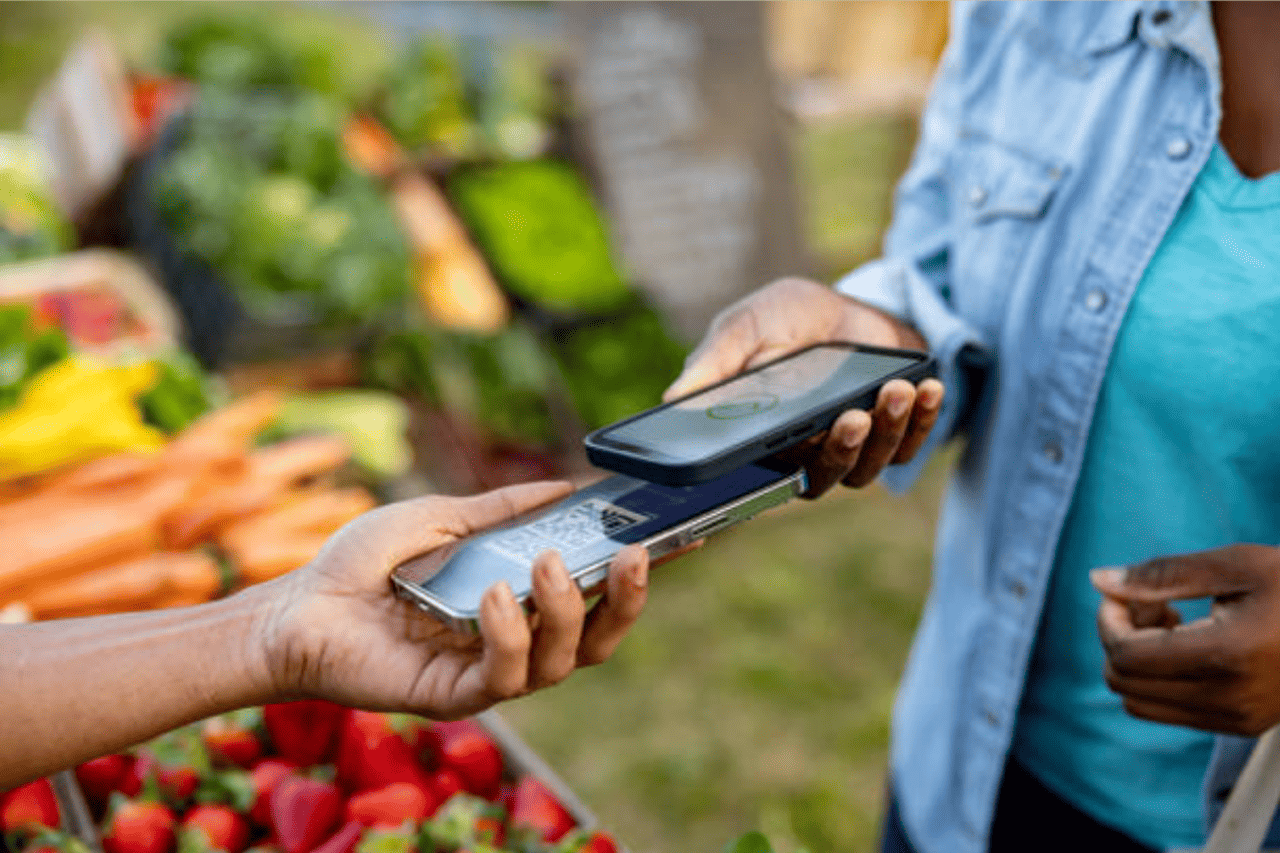
Tap to Pay on iPhone is a mobile payment technology that transforms your device into a powerful mPOS (mobile Point of Sale) system. It allows merchants to accept contactless payments safely and privately by using the NFC (Near Field Communication) chip already built into the iPhone to securely communicate with a customer’s contactless card or digital wallet.
In 2026, speed is the ultimate currency. You can close a deal wherever your customer is by using this hardware-free mPOS solution, which removes the hassle of “finding the reader” or “charging the dongle.” Your iPhone serves as the terminal in place of a conventional card reader. To finish a transaction, customers just need to tap their card or device on your phone.
Why Are Small Businesses Switching to Tap-to-Pay?
Small businesses are moving toward mobile-first payment solutions for one reason: flexibility without added cost or complexity. It’s the simplest method for many businesses to modernize payments without spending money on a full POS system.
- Zero Hardware Costs: Say goodbye to upfront terminal costs, monthly rental fees, and replacement cable costs.
- Ultimate Mobility: You can take a payment in the aisle, at a table, or at a client’s home without carrying a separate bag of gear.
- Fast Onboarding: You can typically go from “downloading an app” to “taking a payment” in minutes, not days.
- No More “Bluetooth Fail”: Since the hardware is internal, you’ll never deal with a card reader failing to pair with your phone right as a customer is trying to pay.
What Types of Payments Can You Accept?
With tap-to-pay on iPhone, you can accept:
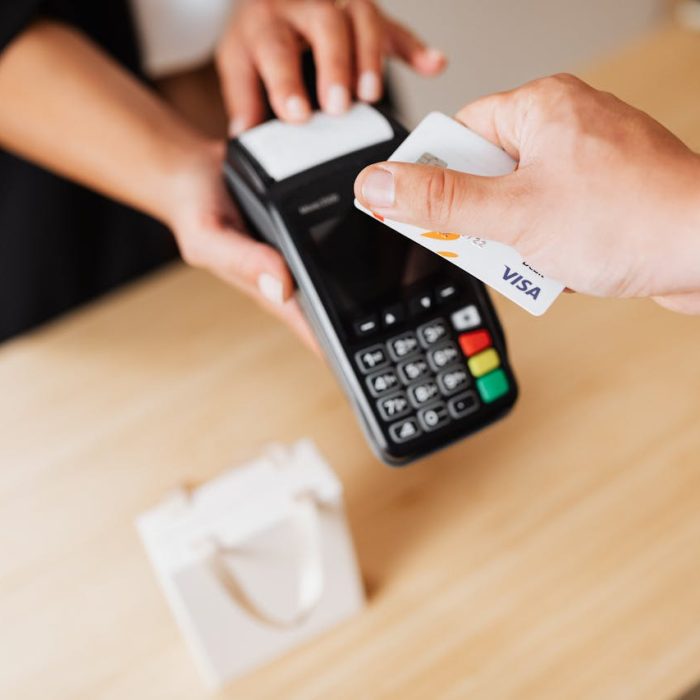
- Contactless Credit and Debit Cards: Look for the “wave” symbol on the card.
- Apple Pay and Apple Watch: The fastest way for your customers to check out.
- Other Digital Wallets: It also works with Google Pay and other NFC-enabled smartphones.
Which major brands support Tap to Pay on iPhone?
One of the biggest advantages of partnering with NationalLink is our extensive network of industry-leading partners. We don’t lock you into a single ecosystem; instead, we give you access to the best mPOS technology from the names you already trust.
If you are already using one of these platforms, you might be just a few taps away from hardware-free processing:
- Clover & Square: Both of these giants have fully integrated Tap to Pay into their mobile apps (Clover Go and Square POS). It’s the perfect solution for “line-busting” or taking payments at a weekend pop-up without needing a separate reader.
- Valor PayTech & Quantic: These platforms offer specialized apps, such as Valor Tap, which sync your mobile sales directly to your main merchant portal. This is a game-changer for boutiques and restaurants that want to keep their inventory and reporting in one place.
- NMI: For businesses that need a more custom or integrated experience, NMI provides the infrastructure to build Tap to Pay directly into specialized software, offering a professional, branded checkout.
- UnionPay: If you serve international customers, UnionPay’s Union Pocket app allows you to accept global contactless cards and digital wallets right on your iPhone.
- Grain & Dejavoo: These partners are at the forefront of the “software-only” movement, offering mobile merchant apps designed to eliminate equipment overhead and simplify your daily operations.
Is Tap-to-Pay on iPhone secure for my business?
This is the #1 question we get at NationalLink. The answer is yes, tap-to-pay is built with enterprise-level security.
- Encryption: Every transaction is encrypted and processed using the iPhone’s Secure Element.
- Privacy: Apple doesn’t store your customer’s card numbers on the device or on Apple servers.
- Standardized Security: It meets the same rigorous security standards as traditional EMV chip terminals.
- Apple’s hardware and software work together to ensure that sensitive payment data is never exposed or stored.
How do I set up Tap to Pay on my iPhone?
Setting this up is easier than ordering a latte. Here is the 2026 checklist:
- Check Your Device: You’ll need a supported iPhone (generally iPhone XS or later) running the latest version of iOS.
- Get a Supported App: You need a payment app from a provider that supports this feature.
- Enable the Feature: Open your payment app, follow the prompts to “Enable Tap to Pay,” and link it to your Apple ID.
- Start Tapping: When it’s time to pay, just open the app, enter the amount, and hold your iPhone near the customer’s card or device.
What Are the Limitations of Tap-to-Pay?
While powerful, tap-to-pay mPOS isn’t a one-size-fits-all solution. Potential limitations:
- Not ideal for high-volume, multi-register environments
- Limited advanced POS features (depending on app)
- Requires a stable internet connection
- May not replace full inventory systems
For growing businesses, tap-to-pay often works best as a complement to a full POS system, not a replacement.
Tap-to-Pay vs Traditional POS Systems
| Feature | Tap-to-Pay on iPhone | Traditional POS |
| Hardware | None required | Terminals & equipment |
| Mobility | High | Limited |
| Setup | Fast | Moderate |
| Cost | Low upfront | Higher upfront |
| Features | Basic to moderate | Advanced |
Tap-to-pay mPOS is perfect for simplicity and mobility, while POS systems are better for complex operations and scaling.
Ready to upgrade your checkout experience?
The NationalLink difference is about making payments invisible so you can focus on your craft. By turning your iPhone into a terminal, you’re not just saving money on hardware, but also a smarter, more efficient way to run your business. As customer expectations evolve, having the ability to accept payments anytime, anywhere gives you a clear competitive edge.
Want to see if your current setup is ready for Tap to Pay? Contact NationalLink today, and let’s get you tapping!